
Chat history & search
Every conversation is saved to your account automatically and is private to you — other users can’t see your chats.
Resume a conversation
Section titled “Resume a conversation”Your conversations are listed under Recent in the chat sidebar, newest first. Click any of them to pick up where you left off — the full history, including alternative versions, is restored. (The dashboard sidebar shows your five most recent chats too, so you can jump straight into one from anywhere.)
Use the Collapse sidebar button if you want more room for the conversation itself — the collapsed rail keeps the new chat, search, and account buttons within reach. The account mark at the bottom of the sidebar shows your profile picture if you signed in with Google or GitHub; the Insight AI logo at the top takes you back to the dashboard.
Search your chats
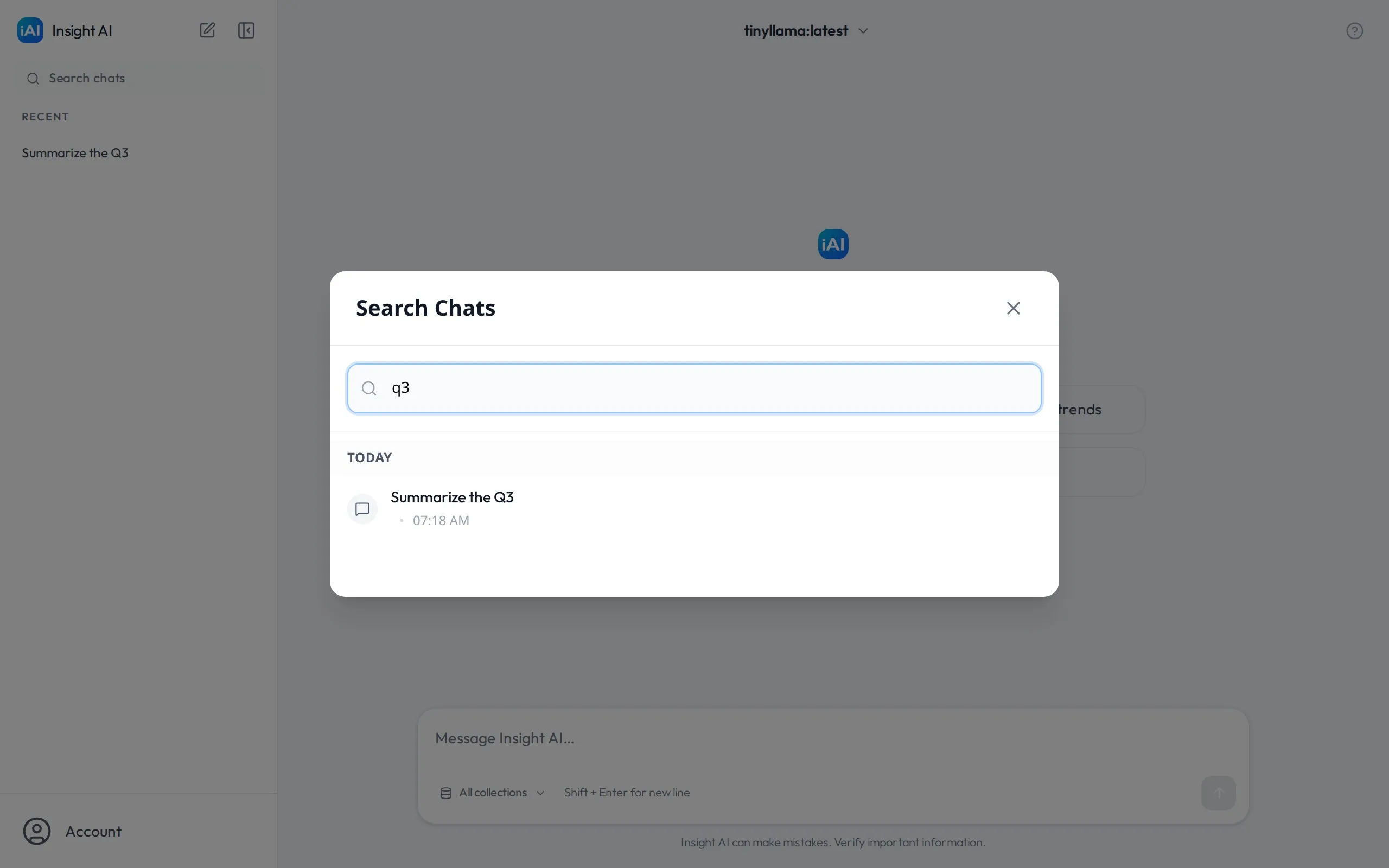
Section titled “Search your chats”Select Search chats in the sidebar. Start typing to filter your conversations by title; results are grouped by when they happened — Today, Yesterday, Past 7 days, Past 30 days, and Older — and show which model each conversation used.
Start fresh
Section titled “Start fresh”Use the new chat button at the top of the sidebar whenever you switch topics. Shorter, focused conversations keep the model’s context relevant and make your history easier to search later — each chat’s title is generated from its first message.
Delete a conversation
Section titled “Delete a conversation”Open the ⋯ menu on a conversation in the sidebar and choose Delete. This permanently removes the conversation and all of its versions. There is no undo.